
Key facts
Start here
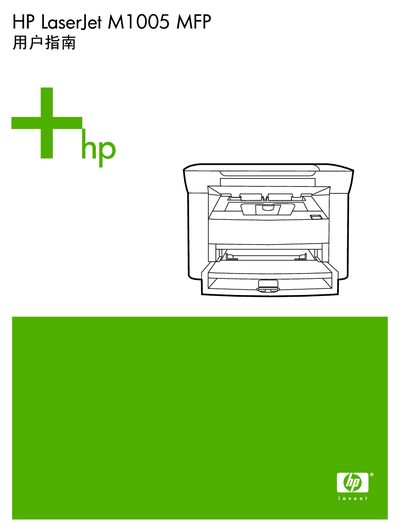
HP LaserJet M1005 MFP User Manual
The HP LaserJet M1005 MFP is a compact laser printer with copy and scan functions. This guide provides the information needed to install the device, install software drivers, and configure basic settings.
The document includes sections on device hardware, supported media, step‑by‑step instructions for printing, copying and scanning, maintenance procedures, troubleshooting checklists, and appendices with technical specifications and service information. This manual is written in Chinese.
HP LaserJet M1005 MFP specifications
| Print speed (letter) | Up to 15 ppm |
|---|---|
| Print speed (A4) | Up to 14 ppm |
| Print resolution | 600 dpi, FastRes 1200 dpi |
| Copy resolution | 600 dpi |
| Scan resolution | 1200 ppi full color |
| Memory | 32 MB RAM |
| Priority tray capacity | 10 sheets |
| Tray 1 capacity | 150 sheets or 10 envelopes |
| Output bin capacity | 100 sheets |
| Interface | High-speed USB 2.0 |
| Energy Star | Qualified |
| N-up printing | Supported |
| EconoMode | Supported |
All HP LaserJet M1005 MFP documents by type
Day-to-day operation, settings and troubleshooting. Start here if the product is already set up.
Questions answered in these manuals
Where can I find more detailed user instructions?
See the electronic user guide on the CD-ROM that came with the printer.
When should I connect the USB cable?
Do not connect the USB cable until prompted by the software.
What are the minimum system requirements for the software?
The manual lists the minimum system requirements in the Software section.
How can I change the default media size and type?
Use the control panel to select “更改默认介质尺寸和类型”.
What printer model does this manual cover?
It covers the HP LaserJet M1005 MFP.
Which company published this manual?
It was published by Hewlett-Packard Development Company, L.P.