
Key facts
Start here
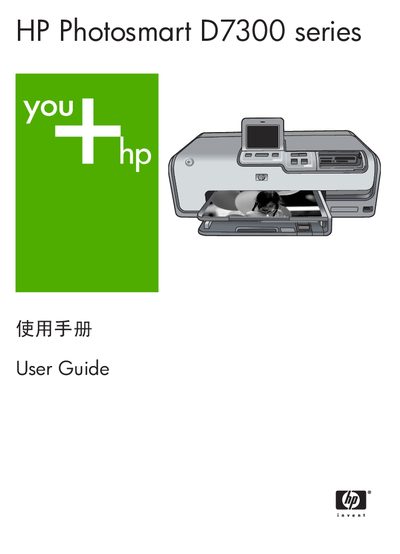
HP Photosmart D7300 Series User Guide
User Manual 138 pages · 4.4 MB · ZH
This user guide explains how to operate the HP Photosmart D7300 series printer, focusing on printing high-quality photos directly from the device without a computer. It covers essential tasks such as loading paper and ink cartridges, inserting memory cards, and using the control panel to print and edit images. The guide also details how to connect the printer to a computer for software-based printing and sharing. This manual is written in Chinese.
Read onlineHP D7300 series specifications
| Supported Windows operating systems | Windows 98, 2000 Professional, Me, XP Home, XP Professional |
|---|---|
| Minimum processor (Windows) | Intel Pentium II or faster |
| Minimum RAM (Windows) | 64 MB (recommended 128 MB) |
| Connectivity | USB |
All HP D7300 series documents by type
User Manual 2
Day-to-day operation, settings and troubleshooting. Start here if the product is already set up.
Questions answered in these manuals
What should I do when the printer shows a "paper out" error?
Load paper into the tray and press OK to continue printing.
How can I fix an "unsupported media size" error?
Remove the paper, press OK, and load paper of a size that the printer supports.