
Key facts
Start here
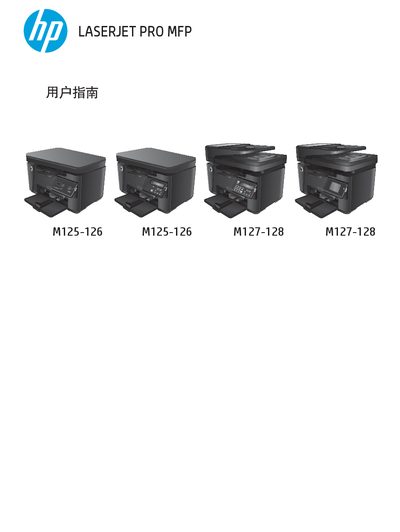
HP LaserJet Pro MFP M125/M126/M127/M128 User Guide
This guide introduces the HP LaserJet Pro MFP series and explains the differences between the M125, M126, M127, and M128 models. It covers product overview, control panel functions, and paper tray configuration.
The manual details how to print, copy, scan, and fax using both Windows and macOS, includes wireless and ePrint setup, and provides troubleshooting steps, maintenance procedures, and a parts and consumables list. This manual is written in Chinese.
All HP M127-M128 documents by type
Day-to-day operation, settings and troubleshooting. Start here if the product is already set up.
Questions answered in these manuals
How do I manually perform double‑sided printing on Windows?
Select the manual double‑sided printing option in the print settings for Windows.
How can I print a document from a Windows computer?
Use the HP printing software or Windows print dialog and follow the on‑screen steps to send the job.
What is the limited warranty period for HP LaserJet Pro MFP M125-M128?
The product has a one-year limited warranty starting from the date of purchase.
From: HP LaserJet Pro MFP M125-M126, M127-M128 Warranty and Legal Guide
What are the physical dimensions and weight of the HP LaserJet Pro MFP M127fn?
The M127fn measures 309 mm in height, 379 mm in depth, 420 mm in width, and weighs 9.1 kg.
From: HP LaserJet Pro MFP M125-M126, M127-M128 Warranty and Legal Guide