
Key facts
Start here
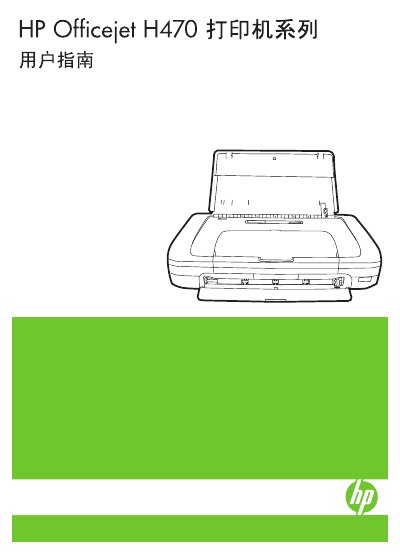
HP Officejet H470 Series User Guide
This manual covers the setup and operation of the HP Officejet H470 series printers. It includes instructions for installing optional accessories such as batteries and wireless attachments (802.11 and Bluetooth). The guide details how to load media, change print settings, and print from various devices including mobile phones and Pocket PCs. This manual is written in Chinese.
Read onlineAll HP H470 documents by type
Day-to-day operation, settings and troubleshooting. Start here if the product is already set up.
Questions answered in these manuals
Which printer models include a rechargeable lithium-ion battery?
The HP Officejet H470b and HP Officejet H470wbt printers come with a rechargeable lithium-ion battery.
Can the printer be repaired by the user?
No, there are no user-serviceable parts inside the product; repair tasks must be handled by qualified service personnel.
How do I replace the ink cartridge?
To replace the ink cartridge, locate the cartridge compartment, remove the empty cartridge, and insert a new cartridge following the illustrated steps.
How can I connect the printer to a Bluetooth device?
Enable Bluetooth on the printer, set up the Bluetooth wireless connection in the printer’s menu, and pair it with the desired device using the provided PIN code.