
Key facts
Start here
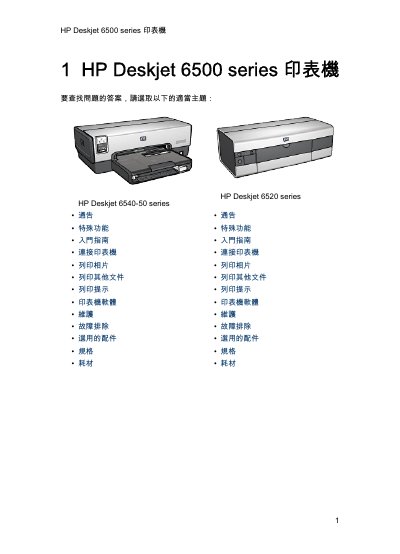
HP Deskjet 6500 Series Printer User Manual
This user guide covers the HP Deskjet 6500 series printer, which includes specific models such as the HP Deskjet 6540-50 series and HP Deskjet 6520 series. It details special features like borderless printing, digital photo printing, and a print quality selector button that allows users to choose between Fast Draft, Normal, and Best modes directly from the printer. This manual is written in Chinese.
Read onlineHP Deskjet 6500 series specifications
| Number of paper trays | 2 |
|---|---|
| Maximum card capacity | 60 cards |
| Energy Star qualification | Yes |
All HP Deskjet 6500 series documents by type
Day-to-day operation, settings and troubleshooting. Start here if the product is already set up.
Questions answered in these manuals
What are the special features of the HP Deskjet 6500 series?
Features include a print quality selector, hold mode to continue printing with one ink cartridge, borderless printing, and automatic power off after 30 minutes.
How do I cancel a print job?
You can cancel the current print job by pressing the 'Cancel Print' button on the printer control panel.
How can I cancel a print job?
Press the “Cancel Print” button on the control panel.
What does Ink Backup Mode do?
It allows the printer to continue printing with a single cartridge when the other cartridges are empty.