
Key facts
- Brand
- HP
- Model
- S600
- Category
- Other Computer Accessories
- Documents
- 5
- Languages
- EN
- Last added
- 2023-10-17
Start here
HP iPAQ S600 Pocket PC Phone User Manual
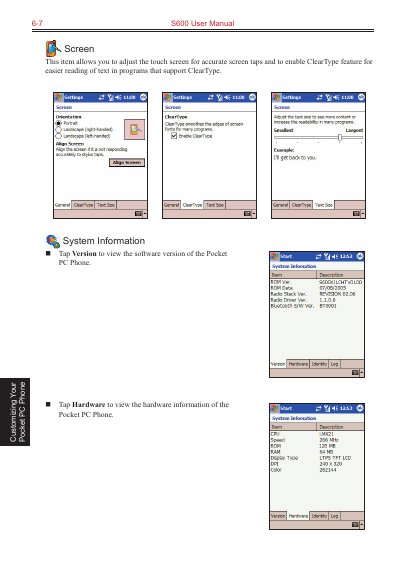
This manual covers the customization of the HP iPAQ S600 Pocket PC Phone, including adjusting the touch screen, viewing system information, and managing power settings to extend battery life. It details how to monitor battery status, use power-saving tips, and manage the allocation between storage and program memory.
Read onlineAll HP S600 documents by type
Day-to-day operation, settings and troubleshooting. Start here if the product is already set up.
Questions answered in these manuals
How long can the phone retain data after the battery runs out?
The Pocket PC Phone can retain data for 72 hours after its battery runs completely out of power.
How long should I charge the battery after a low power warning?
You should charge the battery for at least 30 minutes to one hour upon a warning of low power.
What is the maximum range for Bluetooth information exchange?
Devices can exchange information over a distance of about 10 meters (30 feet) without requiring a physical connection.
How do you turn on Bluetooth?
You can tap and hold the Bluetooth icon on the Today screen or go to Settings > Connections > Bluetooth to select the Turn on Bluetooth check box.
What file formats can Pocket Word save documents in?
Documents are usually saved as .psw files, but you can also save them in .doc, .rtf, or .txt formats.
From: HP iPAQ S600 User Manual
What accounts are required to use MSN Messenger?
You must have a Microsoft Passport or Hotmail account for MSN Messenger Service, or an Exchange account for Exchange Instant Messaging.
From: HP iPAQ S600 User Manual