
Key facts
Start here
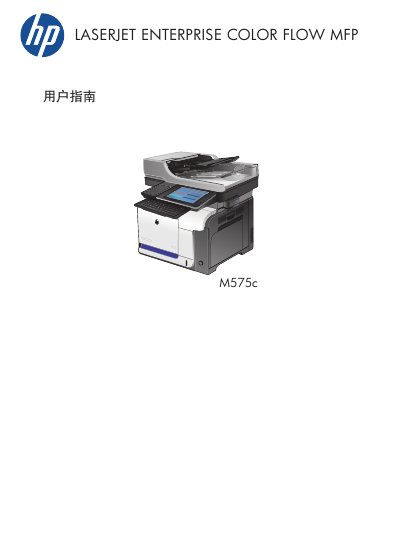
HP LaserJet Enterprise Color Flow MFP M575c User Guide
This document serves as the user guide for the HP LaserJet Enterprise Color Flow MFP M575c. It provides comprehensive instructions on connecting the device, installing software, and configuring paper trays for various paper types and sizes.
The guide details operations for printing, copying, scanning, and faxing, including advanced image processing features and quality adjustments. It also covers troubleshooting steps for paper jams and maintenance tasks such as cleaning the control panel and replacing toner cartridges. This manual is written in Chinese.
HP M575 specifications
| Paper Tray 1 Capacity | 100 sheets (75 g/m2) |
|---|---|
| Paper Tray 2 Capacity | 250 sheets (75 g/m2) |
| Paper Tray 1 Max Stack Height | 10 mm |
| Paper Tray 2 Max Stack Height | 25 mm |
| Paper Weight Range | 60 g/m2 to 220 g/m2 |
Source: HP LaserJet Enterprise Color Flow MFP M575c User Guide
All HP M575 documents by type
Day-to-day operation, settings and troubleshooting. Start here if the product is already set up.
Questions answered in these manuals
How should I load paper into Tray 1 for duplex printing?
Load the paper face up with the bottom edge first.
From: HP LaserJet Enterprise Color Flow MFP M575c User Guide
What is the maximum paper weight supported by Tray 2?
The maximum paper weight supported is 220 g/m2.
From: HP LaserJet Enterprise Color Flow MFP M575c User Guide
Does using non-HP toner cartridges void the warranty?
Using non-HP toner cartridges does not automatically affect the warranty, but HP may charge standard time and material fees for specific failures caused by their use.
From: HP LaserJet Enterprise 500 color MFP M575 Warranty and Legal Guide
What is the policy on counterfeit toner cartridges?
If the printer displays a message indicating non-HP consumables, users should visit the HP anti-counterfeit website to verify authenticity and resolve issues.
From: HP LaserJet Enterprise 500 color MFP M575 Warranty and Legal Guide