
Key facts
Start here
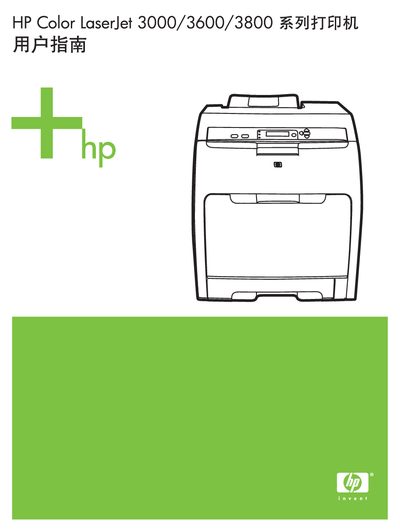
HP Color LaserJet 3000/3600/3800 Series Printer User Manual
This manual provides detailed instructions for installing, configuring, and operating HP Color LaserJet 3000, 3600, and 3800 series printers. It includes information on hardware components, control panel functions, and supported network interfaces.
The guide also describes how to use HP Easy Printer Care Software for status monitoring and troubleshooting, outlines supported software drivers, and lists HP support contact numbers for the United States and Canada. Additional sections cover disabling unused network protocols and using HP Jetdirect EIO accessories. This manual is written in Chinese.
All HP Color LaserJet 3000 documents by type
Disassembly, diagnostics and part numbers, for repair.
Day-to-day operation, settings and troubleshooting. Start here if the product is already set up.
Questions answered in these manuals
What paper weight range is recommended for optimum results?
The manual recommends using conventional photocopy paper with a weight of 75-g/m2 to 90-g/m2 (20-lb to 24-lb).
From: HP Color LaserJet 3000/3600/3800 Series Printers Service Manual
What is the minimum thickness required for transparencies?
Transparencies must be at least 0.12 mm thick.
From: HP Color LaserJet 3000/3600/3800 Series Printers Service Manual
How can I check printer status and troubleshoot issues?
Use HP Easy Printer Care Software to view printer status and access troubleshooting information.
From: HP Color LaserJet 3000/3600/3800 Series Printer User Manual
What phone number can I call for HP support in the United States?
Call 1‑800‑538‑8787 for HP support in the United States.
From: HP Color LaserJet 3000/3600/3800 Series Printer User Manual