
Key facts
Start here
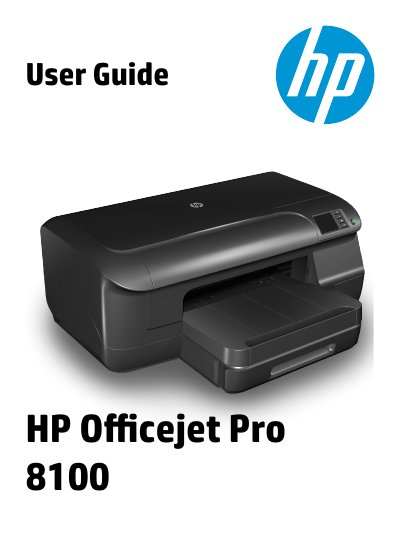
HP OfficeJet Pro 8100 User Guide
This guide helps you set up and operate the HP OfficeJet Pro 8100 printer. It includes instructions for loading media, installing accessories, printing documents and photos, and using HP ePrint. It also covers troubleshooting common issues and maintaining the printer.
The guide is organized into sections for getting started, printing, setting up HP ePrint, managing ink cartridges, solving problems, and technical information including specifications and regulatory details.
HP OfficeJet Pro 8100 specifications
| Physical specifications | Not specified in text |
|---|---|
| Product features and capacities | Not specified in text |
| Processor and memory specifications | Not specified in text |
| System requirements | Not specified in text |
| Network protocol specifications | Not specified in text |
| Embedded web server specifications | Not specified in text |
| Media specifications | Not specified in text |
| Environmental specifications | Not specified in text |
| Electrical specifications | Not specified in text |
| Acoustic emission specifications | Not specified in text |
Source: HP OfficeJet Pro 8100 User Guide
All HP OfficeJet Pro 8100 documents by type
Day-to-day operation, settings and troubleshooting. Start here if the product is already set up.
Questions answered in these manuals
How do I load media into the printer?
Load standard-size media, envelopes, cards, and photo paper using the instructions in the guide. Custom-size media can also be loaded.
How do I set up HP ePrint?
Set up HP ePrint using the printer software, control panel, or embedded web server. Use the printer’s email address to print via email.