
Key facts
Start here
HP LaserJet M604, M605, M606 User Manual
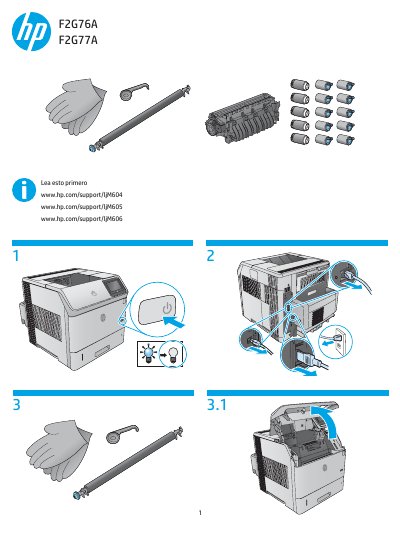
This document provides multilingual instructions for the HP LaserJet M604, M605, and M606 series of printers. It focuses specifically on the procedure to reset the printer's supply counters after installing a new maintenance kit.
Read onlineAll HP M606 documents by type
Disassembly, diagnostics and part numbers, for repair.
Day-to-day operation, settings and troubleshooting. Start here if the product is already set up.
Questions answered in these manuals
What is the purpose of this manual?
This manual provides repair and maintenance instructions for HP LaserJet Enterprise M604, M605, and M606 printers.
What are the models covered in this repair manual?
The manual covers the HP LaserJet Enterprise M604, M605, and M606 models.
How do I reset the supplies on my HP LaserJet printer?
Press the Home button, select Administration > Manage Supplies > Reset Supplies > New Maintenance Kit > Yes.
What steps are required to confirm a new maintenance kit installation?
Navigate through the menu to select New Maintenance Kit and confirm with Yes.