
Key facts
Start here
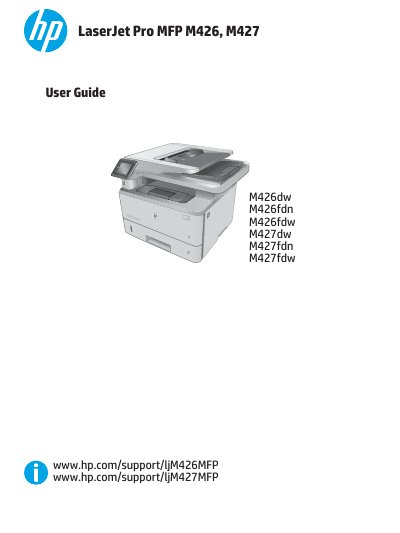
HP LaserJet Pro MFP M426, M427 User Guide
User Manual 186 pages · 4.5 MB · EN
This document serves as the official user guide for the HP LaserJet Pro MFP M426 and M427 series. It provides comprehensive instructions on printer setup, operation, and maintenance, covering all major functions including printing, copying, scanning, and faxing. The guide also details how to manage the printer, configure network settings, and solve common problems.
Read onlineHP M427 specifications
| Print speed (A4) | 38 ppm |
|---|---|
| Print speed (Letter) | 40 ppm |
| Connectivity | 10/100/1000 Ethernet LAN |
| USB Interface | Hi-Speed USB 2.0 |
| Tray 1 Capacity | 100 sheets |
| Tray 2 Capacity | 250 sheets |
| Tray 3 Capacity | 550 sheets |
| Operating Temperature | 17.5° to 25°C |
All HP M427 documents by type
User Manual 2
Day-to-day operation, settings and troubleshooting. Start here if the product is already set up.
Questions answered in these manuals
What is the recommended operating temperature range?
The recommended operating temperature is 17.5° to 25°C (63.5° to 77°F).
What is the maximum capacity of Tray 3?
Tray 3 has a maximum capacity of 550 sheets.
Which models support the fax feature?
The fax feature is only available on the fdn and fdw models.
From: HP LaserJet Pro MFP M426 and M427 Getting Started Guide