
Key facts
Start here
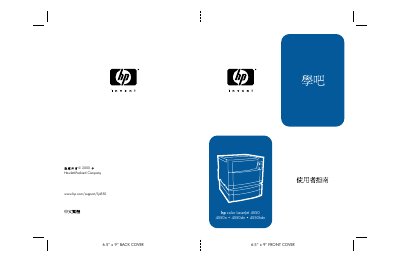
HP Color LaserJet 4550 Series Printer User Guide
This document is the user guide for the HP Color LaserJet 4550 series printers, covering models 4550, 4550N, 4550DN, and 4550HDN. It serves as a comprehensive resource for end-users to manage printer operations, configure settings, and maintain the device effectively. This manual is written in Chinese.
Read onlineHP 4550DN specifications
| Input tray capacity | 500 sheets |
|---|---|
| Duplex unit | Included |
| Safety standard | IEC 60950:1991+A1+A2+A3+A4, EN 60950:1992+A1+A2+A3+A4 |
| Laser class | Class 1 (Laser/LED) |
| EMC compliance | CISPR 22:1993 / EN 55022:1994 |
Source: HP Color LaserJet 4550 4550N 4550DN 4550HDN User Manual
All HP 4550DN documents by type
Day-to-day operation, settings and troubleshooting. Start here if the product is already set up.
Questions answered in these manuals
What are the supported paper sizes for this printer?
The printer supports paper sizes up to 6.5 inches by 9 inches.
What is the maximum paper capacity of the optional third tray?
The optional third tray can hold up to 500 pages.
How many sheets can the input tray hold?
The printer’s input tray can hold up to 500 sheets.
From: HP Color LaserJet 4550 4550N 4550DN 4550HDN User Manual
Does the printer include a duplex unit?
Yes, a double‑sided printing attachment is included.
From: HP Color LaserJet 4550 4550N 4550DN 4550HDN User Manual