
Key facts
Start here
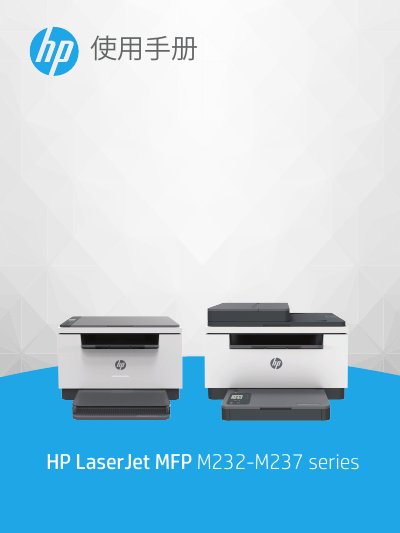
HP LaserJet MFP M232-M237 Series User Manual
This document serves as a comprehensive user guide for the HP LaserJet MFP M232-M237 series. It covers essential topics including getting started with the printer view and control panel, connecting to networks via Wi-Fi or Ethernet, and loading various media types such as paper, envelopes, and labels. This manual is written in Chinese.
Read onlineAll HP LaserJet MFP M232-M237 series documents by type
Day-to-day operation, settings and troubleshooting. Start here if the product is already set up.
Questions answered in these manuals
What is the minimum distance required between users and the antennas to avoid exceeding radio frequency exposure limits?
Users must maintain a distance of at least 20 cm from the antennas.
How do I load envelopes into the printer?
Remove all paper from the input tray, insert the envelope with the short side toward the back, adjust the paper guides, then lower the tray cover and extend the output tray.
How do I load labels into the printer?
Remove all paper from the input tray, place the sheet of labels with the top edge toward the back, adjust the paper guides, then lower the tray cover and extend the output tray.