
Key facts
Start here
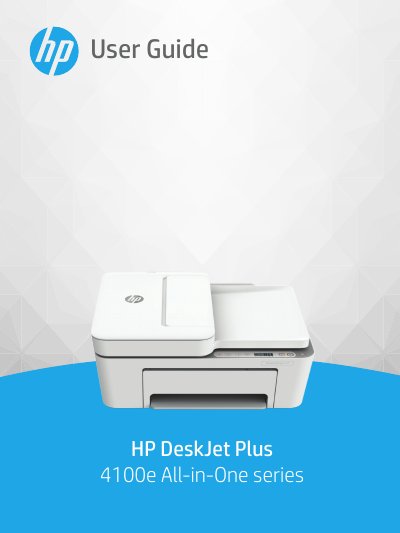
HP DeskJet Plus 4100e All-in-One Series User Guide
The HP DeskJet Plus 4100e All-in-One series is a multifunction device designed for printing, copying, scanning, and mobile faxing. This guide provides instructions on loading media, connecting to wireless networks or computers via USB, and using the control panel features such as copy and scan functions.
Read onlineHP DeskJet Plus 4100 specifications
| Input tray capacity (Plain paper) | Up to 60 sheets |
|---|---|
| Output tray capacity (Plain paper) | Up to 25 sheets |
| Paper weights supported | 60 to 90 g/m² (16 to 32 lb) |
| Recommended operating temperature | 15°C to 30°C (59°F to 86°F) |
All HP DeskJet Plus 4100 documents by type
Day-to-day operation, settings and troubleshooting. Start here if the product is already set up.
Questions answered in these manuals
How do I enable the HP Cloud Print WeChat Mini Program?
Scan the QR code on the information page and follow the on-screen prompts to bind the printer.
What steps are required to connect the printer to a Wi-Fi network?
Install the HP Smart software, follow its instructions to connect the printer to the network, and keep your device near the printer during setup.
What is the input tray capacity for plain paper?
The input tray can hold up to 60 sheets of plain paper.
How do I replace the ink cartridges?
Refer to the section on replacing cartridges in Chapter 7 of this guide.