
Key facts
Start here
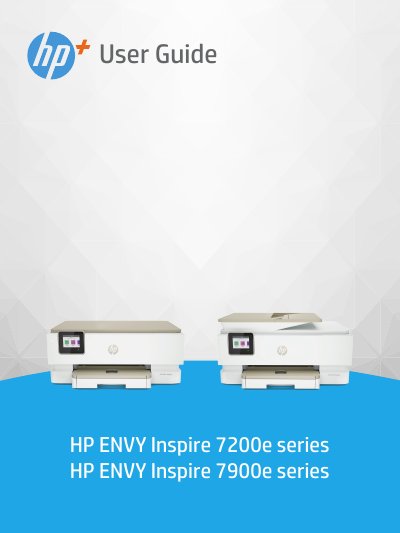
HP ENVY Inspire 7200e/7900e series User Guide
This user guide covers the setup, operation, and maintenance of the HP ENVY Inspire 7200e and 7900e series printers. It includes instructions on connecting the printer to a network, loading various media types, and managing ink cartridges. The guide also details how to print, copy, and scan documents using the HP Smart app or embedded software.
Read onlineHP 7900e series specifications
| Paper Sizes Supported | Letter/A4, 4x12 inches photo |
|---|---|
| Photo Sizes Supported | 4x6, 5x5, 5x7 inches |
| Document Feeder | Automatic |
All HP 7900e series documents by type
Day-to-day operation, settings and troubleshooting. Start here if the product is already set up.
Questions answered in these manuals
Can I use a USB cable for setup?
No, printers with a label covering the USB port must be set up with HP Smart and an Internet connection.
How do I restore network settings if the printer won't reconnect?
Swipe down on the control panel to open the Dashboard, touch Network Setup, and select Restore Network Settings.
Where can I find the printer specifications?
Specifications are listed in Appendix A of this guide or on the HP online support website.
What is the recommended operating temperature range for this printer?
The recommended operating conditions are between 15° and 32° C (59° to 90° F).