
Key facts
Start here
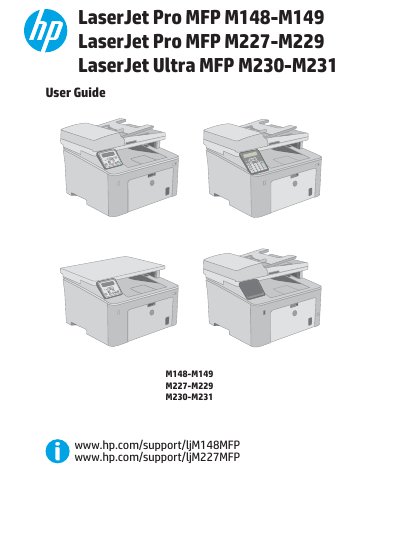
HP LaserJet Pro MFP M148-M149/M227-M229/M230-M231 User Guide
This document serves as the comprehensive user guide for the HP LaserJet Pro MFP M148-M149, M227-M229, and LaserJet Ultra MFP M230-M231 series. It provides detailed instructions on printer overview, hardware setup including paper tray loading, and software installation for Windows and OS X.
Read onlineAll HP LaserJet Pro MFP M148-M149 documents by type
Day-to-day operation, settings and troubleshooting. Start here if the product is already set up.
Questions answered in these manuals
What is the warranty period for the HP LaserJet Pro MFP M148dw, M148fdw, M227d, M227fdn, M227fdw, M227sdn, HP LaserJet Ultra MFP M230fdw, and M230sdn?
These models have a one-year on-site limited warranty.
From: HP LaserJet Pro MFP M148-M149, M227-M229, and Ultra MFP M230-M231 Warranty and Legal Guide
What are the compatible toner cartridges for the HP LaserJet Pro MFP M227sdn and HP LaserJet Ultra MFP M230sdn?
The compatible toner cartridges are CF230A, CF231A, and CF230X.
From: HP LaserJet Pro MFP M148-M149, M227-M229, and Ultra MFP M230-M231 Warranty and Legal Guide
What is the purpose of the Priority input tray?
The Priority input tray is used to load paper for printing.
From: HP LaserJet Pro MFP M148-M149/M227-M229/M230-M231 User Guide
How can users enable the Cartridge Policy feature?
Users can enable the Cartridge Policy feature using the printer control panel or the HP Embedded Web Server.
From: HP LaserJet Pro MFP M148-M149/M227-M229/M230-M231 User Guide