
Key facts
Start here
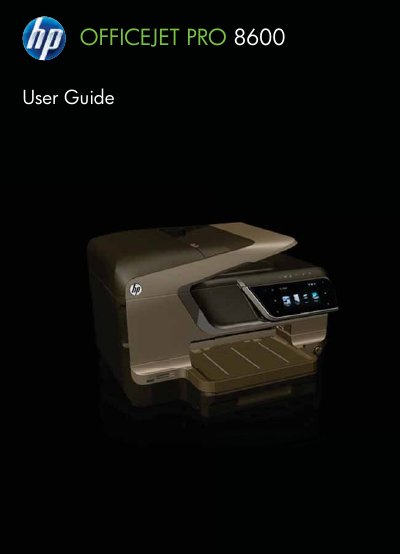
HP OfficeJet Pro 8600 User Guide
This document serves as the comprehensive user guide for the HP OfficeJet Pro 8600 e-All-in-One printer series. It provides detailed instructions on getting started with the device, understanding its parts, and utilizing its core functions including printing, scanning, copying, and faxing. The guide also covers advanced features such as Web Services (HP ePrint), managing ink cartridges, and setting up digital solutions like HP Direct Digital Filing.
Read onlineAll HP Officejet Pro 8600 documents by type
Day-to-day operation, settings and troubleshooting. Start here if the product is already set up.
Questions answered in these manuals
What safety precaution should be taken before cleaning the printer?
You must unplug the power cord from the wall outlet before cleaning the product.
Who should perform repairs if the printer malfunctions?
Qualified repair personnel should handle repairs because there are no user-serviceable parts inside.
Is the printer accessible for users with visual impairments?
Yes, the printer software is accessible through operating system accessibility options and supports assistive technology such as screen readers.
Are there user-serviceable parts inside the printer?
No, there are no user-serviceable parts inside; servicing should be referred to qualified service personnel.