
Key facts
Start here
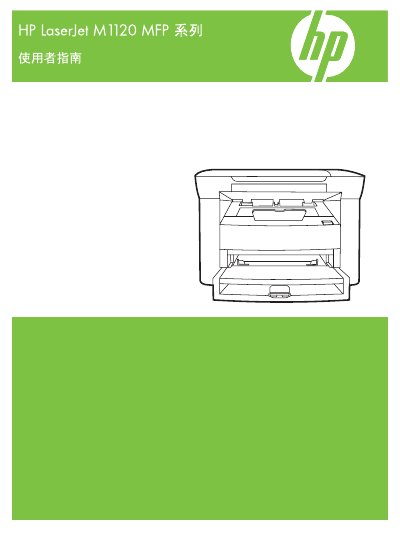
HP LaserJet M1120 MFP Series User Guide
This manual provides instructions for the HP LaserJet M1120 MFP Series, covering basic product features, control panel usage, and software installation for Windows and Macintosh. It details how to connect the device, load paper, and perform printing, copying, and scanning tasks. This manual is written in Chinese.
Read onlineAll HP M1120 MFP documents by type
Day-to-day operation, settings and troubleshooting. Start here if the product is already set up.
Questions answered in these manuals
What is the part number for this manual?
The part number listed in the copyright section is CB537-90977.
When was Edition 1 of this document published?
Edition 1, dated January 2008, contains the information in this manual.
When should I connect the USB cable during network setup?
Do not connect the USB cable until the software prompts you; first connect the network cable.
Which operating systems are supported by the HP LaserJet M1120 MFP?
The printer supports a range of Windows and Macintosh operating systems as listed in the "Supported Operating Systems" sections.
How do I change the paper size for printing?
Select the desired paper size in the print driver settings before printing, as described in the "选择纸张尺寸" section.