
Key facts
- Brand
- HP
- Model
- OfficeJet 6000
- Category
- Printer
- Industry
- Electronics
- Documents
- 3
- Languages
- EN · ZH
- Last added
- 2026-11-01
Start here
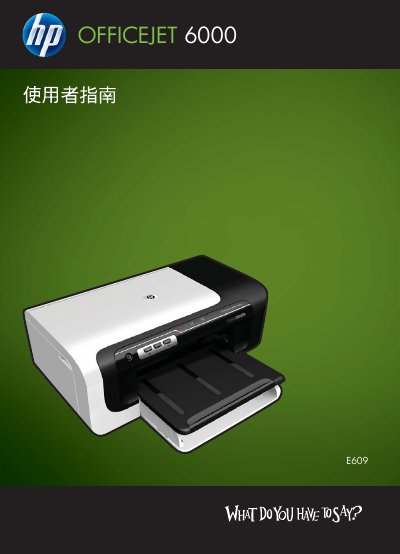
HP OfficeJet 6000 (E609) Printer Series User Guide
This document serves as the user guide for the HP OfficeJet 6000 (E609) printer series. It covers essential topics including finding product resources, identifying device components, and understanding accessibility features. The guide details how to install optional accessories like the duplex printer and explains how to start or stop them on both Windows and Macintosh computers.
The manual provides comprehensive instructions for using the device, including selecting print media, changing print settings, and performing double-sided printing. It also covers setting up and managing the printer, such as connecting via network or wireless communication, using the built-in web server, and managing device software on various operating systems. This manual is written in Chinese.
HP OfficeJet 6000 specifications
| Print Speed | 32 ppm black, 31 ppm color |
|---|---|
| Connectivity | USB 2.0, Ethernet, Wireless 802.11b/g |
| Paper Handling | 250-sheet input tray, 50-sheet output tray, automatic two-sided printing |
| Ink Type | Dye-based (color), pigment-based (black) |
| Power Consumption | 32 watts (active), 3.1 watts (powersave), 0.4 watts (off) |
| Operating Temperature | 59 to 90º F (recommended), 41 to 104º F (max) |
| Media Sizes Supported | Letter, Legal, Statement, Executive, 3 x 5 in, 4 x 6 in, 5 x 7 in, 5 x 8 in, 4 x 10 in, 4 x 11 in, 4 x 12 in, 8 x 10 in, envelopes (No. 10, Monarch), envelope DL |
| Processor Speed | 192 MHz |
| Product Dimensions | 18.03 x 18.7 x 6.45 in (458 x 474 x 164 mm) |
| Product Weight | 12.1 lb (5.5 kg) |
All HP OfficeJet 6000 documents by type
Day-to-day operation, settings and troubleshooting. Start here if the product is already set up.
Questions answered in these manuals
What is the maximum print speed?
Maximum print speeds are 32 ppm black and 31 ppm color.
Does this printer support wireless printing?
Yes, it supports wireless 802.11b/g networking.
Where can I find support information?
You can obtain electronic support or call HP for telephone support.
What is the maximum paper size supported by this printer?
The HP OfficeJet 6000 (E609) supports printing on media up to 13 inches wide.
How can I enable duplex (double‑sided) printing?
Install the duplex unit if required, select the duplex option in the print driver, and follow the manual’s steps for automatic or manual two‑sided printing.