
Key facts
- Brand
- HP
- Model
- d3500
- Category
- Digital cameras
- Industry
- Computers
- Documents
- 2
- Languages
- ZH · EN
- Last added
- 2026-10-16
Start here
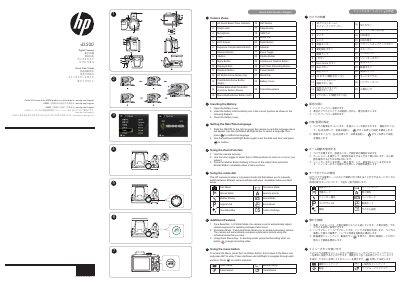
HP d3500 Digital Camera Quick Start Guide
This document serves as a Quick Start Guide for the HP d3500 digital camera. It provides step-by-step instructions for initial setup, including powering on the device, setting the language and date/time, and inserting the battery. The guide also explains how to use the zoom function and operate the mode dial to switch between various shooting modes such as Auto, Manual, and Movie Mode.
Read onlineHP d3500 specifications
| Optical Zoom | 36x |
|---|---|
| Image Stabilization | OIS optical image stabilization |
| Max Static Resolution | 4320 x 3240 pixels |
All HP d3500 documents by type
Day-to-day operation, settings and troubleshooting. Start here if the product is already set up.
The shortest path to a working setup, usually only a few pages.
Questions answered in these manuals
What is the maximum static image resolution?
The camera supports a maximum resolution of 4320 x 3240 pixels for 4MP images.
Does the camera support wireless uploading?
Yes, it supports Eye-Fi SD cards for wireless connection to upload photos to a network.
What is the HP d3500 camera used for?
The camera allows you to take pictures, create panoramic pictures, and record video.
How do I switch between Tele and Wide zoom positions?
Use the zoom toggle to select Tele or Wide positions to zoom in or out on your subject.