
Key facts
- Brand
- HP
- Model
- 2600 Series
- Category
- Other Electronics
- Industry
- Computers
- Documents
- 2
- Languages
- EN
- Last added
- 2026-10-22
Start here
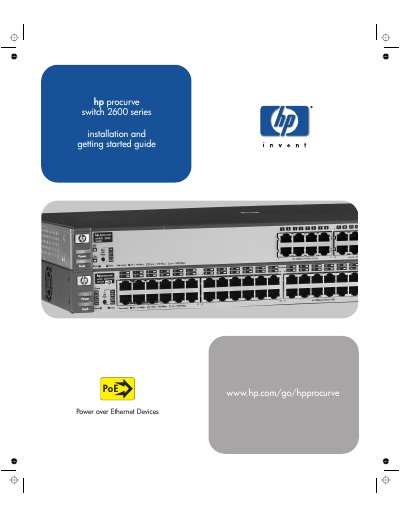
HP ProCurve Switch 2600 Series Installation and Getting Started Guide
This document serves as an installation and getting started guide for the HP ProCurve Switch 2600 Series. It provides detailed instructions on physical setup, including rack or wall mounting, connecting power sources, and attaching network cables. The guide also explains how to configure the switch using the console setup screen and manage it remotely via IP address.
Read onlineHP 2600 Series specifications
| Dual-personality ports | Two dual-personality ports (10/100/1000Base-T or mini-GBIC) |
|---|---|
| PoE power supply | 370 watts across the ports |
| PoE per port | Up to 15.4 watts per port |
| AC Voltage | 100-240 volts |
| Frequency | 50/60 Hz |
| Operating Temperature (Non-PWR) | -40°C to 70°C |
| Operating Temperature (PWR) | 0°C to 55°C |
Source: HP ProCurve Switch 2600 Series Installation and Getting Started Guide
All HP 2600 Series documents by type
Day-to-day operation, settings and troubleshooting. Start here if the product is already set up.
Questions answered in these manuals
What is the maximum PoE power per port?
The switch can supply up to 15.4 watts per port.
From: HP ProCurve Switch 2600 Series Installation and Getting Started Guide
Can the switch be mounted on a wall?
Yes, the guide includes instructions for flat wall mounting.
From: HP ProCurve Switch 2600 Series Installation and Getting Started Guide