
Key facts
- Brand
- HP
- Model
- 9040mfp/9050mfp
- Category
- Printer
- Industry
- Electronics
- Documents
- 2
- Languages
- EN · ZH
- Last added
- 2026-10-31
Start here
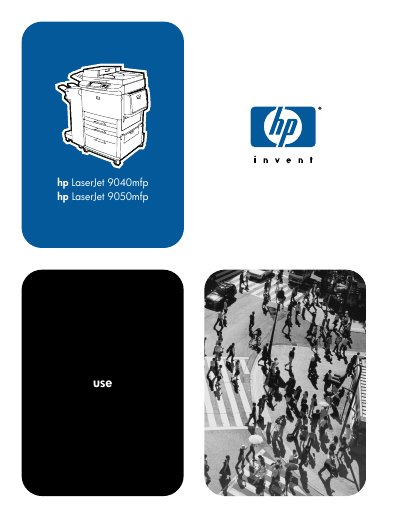
HP LaserJet 9040mfp/9050mfp User Guide
This user guide provides step-by-step instructions for operating the HP LaserJet 9040mfp and 9050mfp multifunction printers. It covers basic setup, control panel navigation, printing, copying, faxing, and e-mail functions. The guide also includes sections on output devices, security features, maintenance, and troubleshooting.
The document is organized into chapters covering each major function, with detailed explanations and visual aids. It includes information on loading paper trays, configuring settings, managing print jobs, cleaning the printer, and resolving common issues.
HP 9040mfp/9050mfp specifications
| Paper weight equivalence table | See Media specifications |
|---|---|
| Supported sizes of paper for input and output | See Appendix A |
| Supported types of paper | See Appendix A |
| Environmental specifications | See Appendix A |
| Power consumption | See Appendix A |
| Power requirements | See Appendix A |
All HP 9040mfp/9050mfp documents by type
Day-to-day operation, settings and troubleshooting. Start here if the product is already set up.
Questions answered in these manuals
How do I load paper into Tray 1?
Load envelopes into Tray 1. Set the appropriate envelope size and type. Set margins to within 15 mm (0.6 inch) from the edge of the envelope.
What paper types can be used in Trays 2, 3, and 4?
Trays 2 and 3 hold up to 500 sheets of standard media. Tray 4 holds up to 2,000 sheets of standard media. Detectable sizes include A4, Letter, A3, Legal, Executive, 11 x 17, B4 (JIS), B5 (JIS), A4-Rotated, and Letter-Rotated.
What is the printing speed of the HP LaserJet 9050mfp?
The HP LaserJet 9050mfp prints at 50 pages per minute.
How many sheets can paper tray 4 hold?
Paper tray 4 can hold up to 2,000 sheets of standard media.