
User guide for HP C5200 All-in-One printer with printing, scanning, and copying instructions.
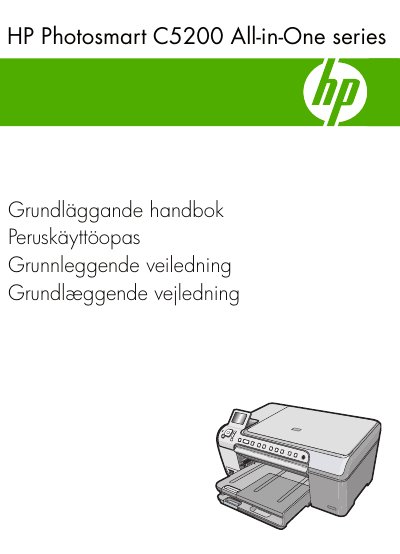
This manual provides basic instructions for using the HP C5200 All-in-One printer, including how to print, scan, and copy. It also covers maintenance, troubleshooting, and support options. The device features a control panel with buttons for direct operations without needing a computer.
The manual includes sections on system requirements, product specifications, ink cartridge replacement, cleaning, and troubleshooting common issues like paper jams or print errors. This manual is written in Swedish.
| System Requirements | Windows, Windows 2000, Windows XP, Windows Vista |
|---|---|
| Ink Cartridge Capacity | Not specified in text |
| Energy Star® Compliance | Compliant |
Use the 'Print' button on the control panel to print photos from a memory card.
Open the ink cartridge cover and insert new cartridges according to the instructions.
Follow the troubleshooting steps in the manual for resolving paper jams.