
Key facts
Start here
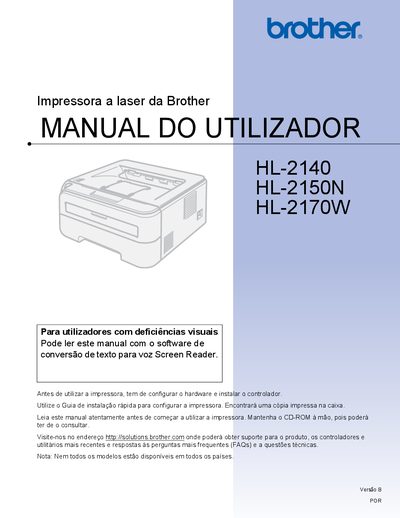
Brother HL-2140 / HL-2150N / HL-2170W User Manual
This manual covers everything you need to know to install and use the Brother HL-2140, HL-2150N, and HL-2170W laser printers. It includes hardware setup, driver installation, and basic printing functions such as duplex, envelopes, and label printing.
Safety guidelines, routine maintenance, consumable replacement, and detailed troubleshooting steps are provided to keep the printers running reliably. The document also lists technical specifications, regulatory information, and contact details for support. This manual is written in Portuguese.
Brother HL-2140 specifications
| Print speed | up to 22 ppm |
|---|---|
| Print resolution | 2400 × 600 dpi |
| Processor | 181 MHz |
| Memory | 8 MB |
| Interface | USB 2.0 |
| Paper tray capacity | 250 sheets |
| Dimensions (W × D × H) | 368 × 361 × 170.5 mm |
Source: Brother HL-2140 Monochrome Laser Printer Product Overview
All Brother HL-2140 documents by type
Day-to-day operation, settings and troubleshooting. Start here if the product is already set up.
Questions answered in these manuals
What is the print speed of the Brother HL-2140?
It can print up to 22 pages per minute.
From: Brother HL-2140 Monochrome Laser Printer Product Overview
Does the HL-2140 have a built‑in network port?
No, the printer does not include a network port.
From: Brother HL-2140 Monochrome Laser Printer Product Overview
What is the print speed of the Brother HL-2140?
The printer can print up to 22 pages per minute.
From: Brother HL-2140 Review
Does the Brother HL-2140 have a built‑in network port?
No, the HL‑2140 does not include a built‑in network port for network printing.
From: Brother HL-2140 Review
What safety precautions must I take before servicing the printer?
Make sure the printer is disconnected from the mains, avoid touching the plug with wet hands, and keep away from high‑voltage components.
Where can I get support and driver updates for these printers?
Visit the Brother support site at http://solutions.brother.com for drivers, utilities, FAQs, and technical assistance.