
This manual is the user manual for Brother HL-2140 HL-2150N HL-2170W laser printer, introducing the features and characteristics of the product, as well as the usage methods, precautions, etc.
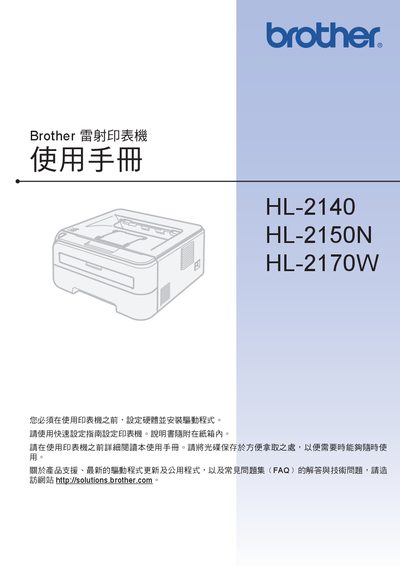
This manual covers safety precautions, installation steps, and basic operation of the HL‑2140, HL‑2150N, and HL‑2170W laser printers. It explains how to load paper, install drivers for Windows and Macintosh, and configure network settings for the HL‑2150N and HL‑2170W models.
Additional sections describe routine maintenance, consumable replacement, troubleshooting of common printing problems, and regulatory information such as laser safety classifications and FCC/ENERGY STAR compliance. This manual is written in Chinese.
| Laser Output Power | 10 mW |
|---|---|
| Laser Wavelength | 780‑800 nm |
| Laser Class | Class 3B |
Use the network driver provided on the installation CD; it is only applicable to the HL‑2150N and HL‑2170W models.