
This is a User's Guide for Brother Laser Printer HL-2140 HL-2150N HL-2170W, which includes product function introduction, operating instructions, troubleshooting and other content.
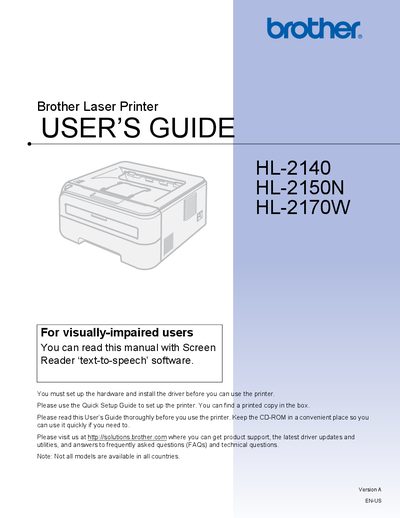
This User's Guide covers everything you need to know to set up and operate the Brother HL‑2140, HL‑2150N, and HL‑2170W laser printers. It includes safety precautions, hardware setup, driver installation, and basic printing functions. The guide also explains how to use the control panel, configure network options (for HL‑2150N/HL‑2170W), and access driver features for Windows and Macintosh.
Additional sections detail routine maintenance tasks such as cleaning the exterior and interior of the printer, replacing consumables, and troubleshooting common issues like paper jams, error messages, and print‑quality problems. Appendices provide regulatory information for different regions and a full list of specifications.
Turn off the power switch and unplug the printer before cleaning; avoid touching hot internal parts.
Set up the hardware and install the printer driver before you can use the printer.