
This manual provides instructions for using the Brother HL-2140 HL-2150N HL-2170W laser printer, designed for users with visual impairments. The manual covers hardware setup, driver installation, and usage recommendations.
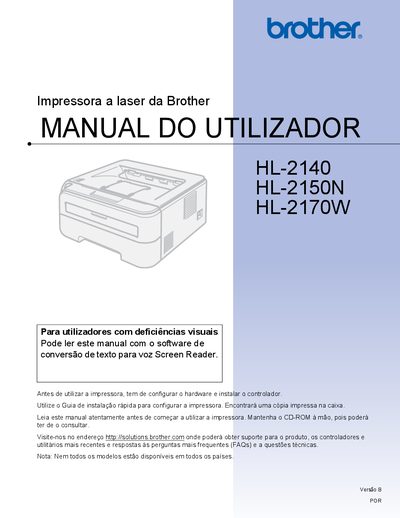
This manual covers everything you need to know to install and use the Brother HL-2140, HL-2150N, and HL-2170W laser printers. It includes hardware setup, driver installation, and basic printing functions such as duplex, envelopes, and label printing.
Safety guidelines, routine maintenance, consumable replacement, and detailed troubleshooting steps are provided to keep the printers running reliably. The document also lists technical specifications, regulatory information, and contact details for support. This manual is written in Portuguese.
Make sure the printer is disconnected from the mains, avoid touching the plug with wet hands, and keep away from high‑voltage components.
Visit the Brother support site at http://solutions.brother.com for drivers, utilities, FAQs, and technical assistance.