
This User's Guide describes the features and use of the Brother HL-2030 HL-2040 HL-2070N laser printer.
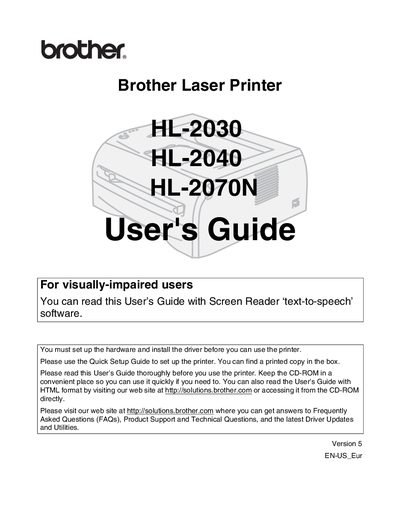
This guide covers everything you need to know to set up and use the Brother HL‑2030, HL‑2040, and HL‑2070N laser printers. It includes safety precautions, hardware installation, driver installation, and basic operation such as loading paper, printing in portrait or landscape, and duplex printing.
The manual also details maintenance tasks, troubleshooting, and optional accessories like network and wireless print servers. It explains how to clean the printer safely, replace consumables, and configure network settings for each model.
Turn off the power switch, unplug the printer, and use a dry, lint‑free cloth; do not use a vacuum cleaner or flammable substances.
Use the appropriate cable (USB, Parallel, or Network) and do not exceed 6 feet (2 m) in length; USB cables must not be connected to non‑powered hubs.