
This manual provides detailed instructions on how to perform maintenance on the Brother Laser Printer HL-2030/2032/2040/2070N, including replacing the toner cartridge, cleaning the scanner, and disassembling the printer.
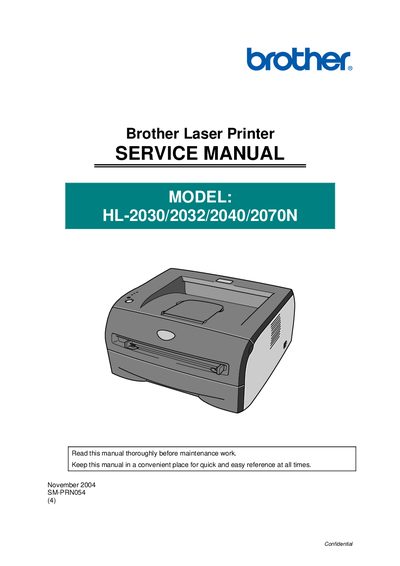
This service manual provides detailed information for after‑sales service of Brother HL‑2030/2032/2040/2070N laser printers. It includes safety guidelines, disassembly procedures, periodic maintenance, adjustments, and troubleshooting steps to keep the printers operating at high quality.
The manual is organized into chapters covering General features, Installation and Basic Operation, Theory of Operation, Disassembly and Re‑assembly, Periodic Maintenance, Adjustments and Settings, Troubleshooting, Service Support Software, and Appendices with circuit diagrams and parts lists.
The manual covers the HL‑2030, HL‑2032, HL‑2040, and HL‑2070N models.
Troubleshooting is covered in Chapter 7.
The copyright notice appears on page 2 as © Copyright Brother Industries, Ltd. 2004.