
The Brother HL-2030 laser printer is a stylish and compact machine that delivers high-quality monochrome printing. It offers high-quality printing, a stylish and compact design, and a fast 16ppm print speed. Installation is easy with a simple plug-and-play process, and it is compatible with both PC and Apple systems using a USB connection. It has a 250-sheet paper tray and a single-sheet manual feed option, and it also provides economical printing with separate toner cartridge and drum.
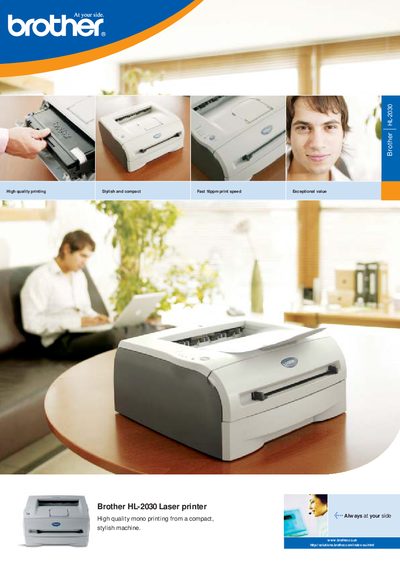
The HL‑2030 is a stylish, compact laser printer designed for small workspaces. Installation is simple – connect the power cable, run the installation CD, and the printer is ready to use via a USB connection that works with PC and Mac systems. The manual also covers driver installation for Windows, macOS, and Linux.
The printer offers a 250‑sheet paper tray with an additional single‑sheet manual feed and supports manual duplex printing. Technical details include up to 16 ppm print speed, 1200 dpi resolution, less than 10 seconds first‑print time, and power‑saving features. Dimensions are 371 × 361 × 165.5 mm and it weighs about 5 kg.
| Print speed | up to 16 ppm |
|---|---|
| Resolution | 1200 dpi (2,400 × 600) |
| First print time | Less than 10 seconds |
| Paper tray capacity | 250 sheets |
| Manual feed | single sheet |
| Duplex printing | Manual duplex supported |
| Power consumption (printing) | Less than 450 W |
| Power consumption (standby) | Less than 70 W |
| Noise level (printing) | Less than 51 dB(A) |
| Dimensions (W × D × H) | 371 × 361 × 165.5 mm |
Connect the printer to the computer with the supplied USB cable and run the installation CD to install the appropriate driver for Windows, macOS, or Linux.
Yes, the printer supports manual duplex printing.