
This is a quick installation guide that instructs users on how to install the hardware and drivers for the DCP-9040CN printer.
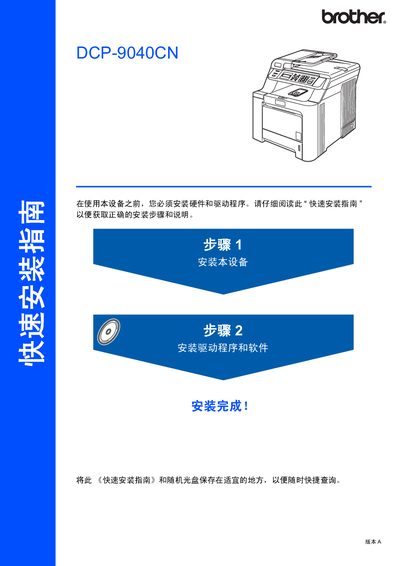
The guide walks you through unpacking the DCP‑9040CN, removing protective materials, installing the toner cartridge, loading paper, and adjusting the LCD contrast. Safety warnings are included to prevent electric shock and high‑temperature injuries.
It also details driver and software installation for Windows and Mac OS, explains how to connect USB or network cables, and shows how to configure the BRAdmin Light utility for network settings. Optional accessories and consumables are listed as well. This manual is written in Chinese.
| Weight | 32.8 kg (72.6 lb) |
|---|---|
| Network Cable Type | Category 5 (or higher) straight‑through twisted‑pair |
| Supported Operating Systems | Windows 2000/XP/Vista/7/10 (32/64‑bit), Mac OS X 10.2.4 or later |
Remove the packaging materials, install the toner cartridge, load paper into the paper tray, and adjust the LCD contrast as shown in the step‑by‑step instructions.
Use a straight‑through Category 5 (or higher) twisted‑pair cable for 10BASE‑T or 100BASE‑TX Ethernet connections.