
Key facts
Start here
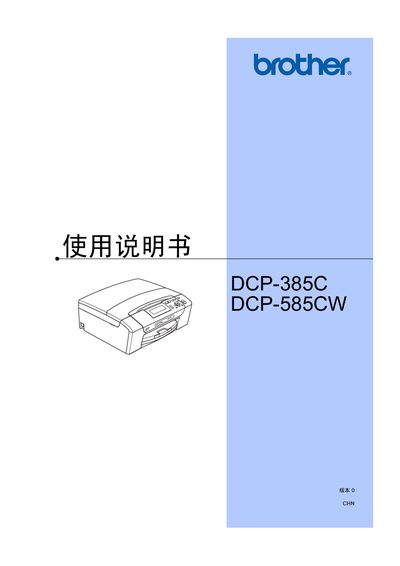
Brother DCP-385C / DCP-585CW User Manual
This manual explains how to install and operate the Brother DCP-385C and DCP-585CW multifunction printers. It covers loading paper and other media, basic printing functions, scanning, copying, and using the LCD panel for settings. The document also describes external printing options, photo printing via PictBridge, and software utilities for Windows.
Additional sections address safety precautions, LAN connectivity for the DCP-585CW model, troubleshooting common errors, maintenance tasks such as cleaning the print head, and compliance information about hazardous substances in the product. This manual is written in Chinese.
All Brother DCP-585CW documents by type
Day-to-day operation, settings and troubleshooting. Start here if the product is already set up.
Disassembly, diagnostics and part numbers, for repair.
Questions answered in these manuals
Can I print photos directly from a camera?
Yes, the printer supports direct photo printing from PictBridge‑compatible cameras.