
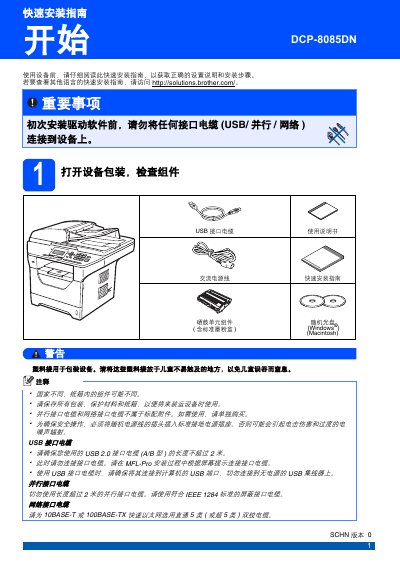
The guide explains how to unpack the DCP-8085DN, install the toner and drum unit, load paper, and connect power before installing any driver software. It includes safety symbols, warnings about electric shock and hot parts, and instructions for unlocking the scanner and setting the LCD contrast.
It also covers language selection, date and time configuration using the keypad, connecting USB, parallel or network cables after the driver is installed, and optional accessories such as a low‑tray paper box and a 144‑pin SO‑DIMM memory module. Software installation steps and links to the support website are provided. This manual is written in Chinese.
| Maximum paper capacity | 550 sheets |
|---|---|
| Low‑tray paper capacity | 250 sheets |
| Memory expansion | 144‑pin SO‑DIMM module |
| Network interface | 10BASE‑T or 100BASE‑TX |
No. The guide states that before the first driver installation you must not connect any interface cable (USB, parallel, or network) to the device.
Open the paper tray, adjust the paper guides, place the paper face‑down, ensure the stack is below the maximum capacity mark, then close the tray securely.
Push the scanner lock lever in the direction shown to release the scanner lock.