
This document is a user manual for the Brother DCP-8085DN multifunction printer, which introduces the product's environmental features and usage methods, including loading paper and originals, general settings, security features, copying, etc.
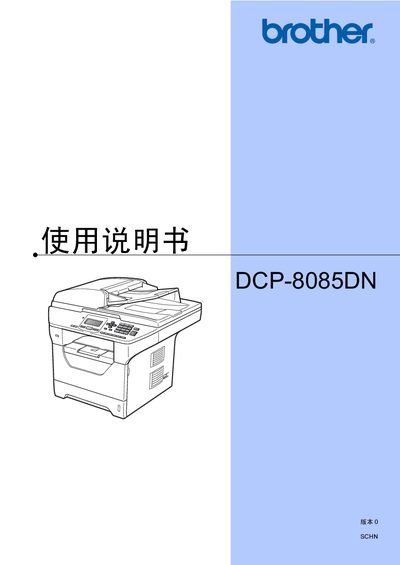
This manual covers all aspects of using the Brother DCP-8085DN multifunction printer, including an overview of the device, loading paper and media, general settings, safety features, copying, direct printing, and software/network functions. It also includes appendices with safety regulations, optional accessories, troubleshooting, and maintenance procedures.
Detailed sections guide users through changing administrator passwords, configuring user modes, performing copy and print tasks, using the automatic document feeder, and maintaining the laser unit and toner. Environmental disposal and recycling instructions are also provided. This manual is written in Chinese.
| Power consumption (off) | 0 W |
|---|
Refer to the "更改管理员密码" (Change administrator password) section in the manual.
The device consumes zero power when the power switch is off and the plug is removed.