
This manual introduces the functions and usage methods of DCP-8060 and DCP-8065DN.
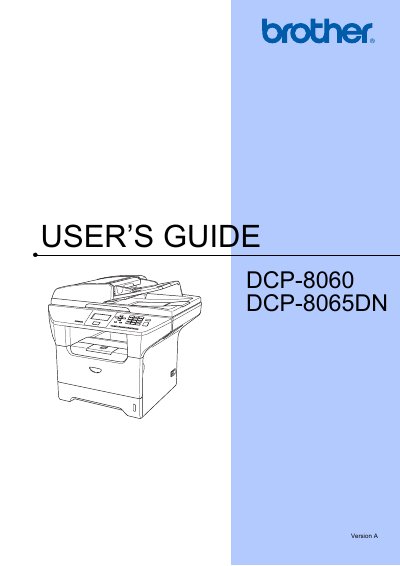
This guide covers the essential information for operating the Brother DCP-8060 and DCP-8065DN multifunction printers, including model and serial number identification, product registration, and how to obtain drivers and accessories. It also lists contact numbers for U.S. and Canadian customer service and explains the fax‑back system for quick technical help.
The manual details the three‑year limited warranty, the two‑stage warranty for the machine (2 years plus an optional third year) and the 90‑day warranty for consumables, as well as the procedures for warranty service, shipping, and replacement. It includes a list of compatible consumables such as toner cartridges, drum unit, and optional paper tray.
| Standard Toner Cartridge Model | TN-550 |
|---|---|
| Standard Toner Cartridge Yield | ≈3,500 pages |
| High‑Yield Toner Cartridge Model | TN-580 |
| High‑Yield Toner Cartridge Yield | ≈7,000 pages |
| Drum Unit Model | DR-520 |
| Optional Paper Tray Model | LT-5300 |
Register the product online at http://www.brother.com/registration.
Call 1‑800‑284‑4329 for voice support or 1‑901‑379‑1215 for fax.
Visit the Brother Solutions Center at http://solutions.brother.com for driver updates.