
TL-SG3216/TL-SG3424 JetStream L2 Lite Managed Switch User Manual
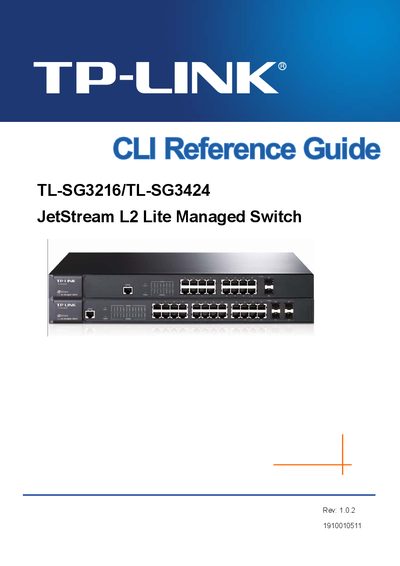
This reference guide describes the command‑line interface (CLI) of the TP‑Link TL‑SG3216 and TL‑SG3424 JetStream L2 Lite Managed Switches. It explains how to access the CLI, the available command modes, and security levels, allowing administrators to configure and manage the switches efficiently.
The document is organized into chapters covering CLI usage, user interface details, VLAN configuration (IEEE 802.1Q, protocol, voice, and GVRP), link aggregation (LAG, LACP), user management, binding tables, ARP inspection, DoS protection, IEEE 802.1X authentication, address and bridge settings, system commands, and security features such as SSH and SSL. Each chapter provides the command syntax, parameters, and examples for the respective function.
Use the console port and select the "Logon by a Console port" option as described in section 1.1.1.
Enter the command "ssh server enable" in the CLI to activate the SSH server.
Use the "protocol‑vlan template" command to define a protocol‑VLAN template.
Run the command "show user account-list" to display all configured user accounts.