
Key facts
Start here
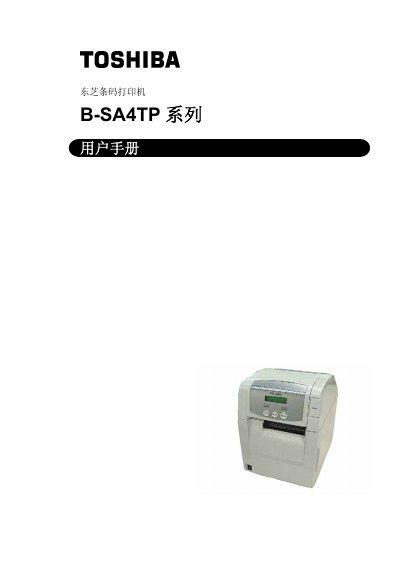
Toshiba B-SA4TP Barcode Printer User Manual
This user manual covers all aspects of the Toshiba B‑SA4TP barcode printer, including safety precautions, proper handling, and required maintenance to ensure reliable operation. It also details the required accessories, dimensions, and recommended consumables.
Installation instructions guide you through connecting power, loading media and ribbons, configuring network settings, and installing drivers. Operational sections describe parameter settings, printing modes, and troubleshooting tips, while the specifications chapter lists performance data such as resolution, speed, and supported interfaces. This manual is written in Chinese.
All Toshiba B-SA4TP documents by type
Day-to-day operation, settings and troubleshooting. Start here if the product is already set up.
Questions answered in these manuals
What safety precautions must be taken before servicing the printer?
Disconnect the power plug, avoid using wet hands, and do not open the chassis without authorization to prevent fire or electric shock.
How can I set the printer’s IP address?
Enter the operation environment menu, select the IP address setting (TCP/IP) and choose the desired address using the PAUSE, FEED, or RESTART keys.
What environmental conditions should be avoided for the printer?
Avoid placing the printer in excessive temperature, direct sunlight, high humidity, dusty or fume‑filled environments, and keep it away from heavy vibration.
From: TOSHIBA heat transfer PrinterB-SA4TP series user\'s manual(1)(1)