
Key facts
Start here
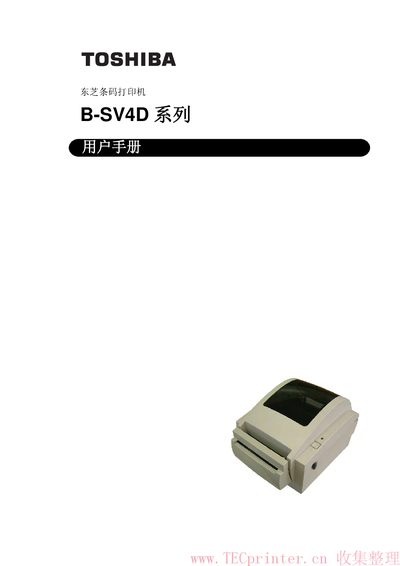
Toshiba B-SV4D Series Barcode Printer User Manual
This user manual covers the essential safety information, installation procedures, and operating instructions for the Toshiba B‑SV4D series barcode printer. It includes warnings, proper handling of power, and maintenance recommendations to ensure safe and reliable operation.
The document also lists the supplied accessories, detailed specifications such as dimensions, power requirements, and available interfaces (USB, Ethernet, RS‑232C, Centronics). It provides guidance on selecting compatible power cords and outlines the steps for media loading, calibration, and test printing. This manual is written in Chinese.
Toshiba B-SV4D specifications
| Power adapter model | EA10953 AC adapter |
|---|---|
| Power input (100‑125 V) | 125 V, 10 A minimum |
| Power input (200‑240 V) | 250 V, 10 A minimum |
| Maximum power‑cord length | 4.5 m |
| USB interface | Standard USB port |
| Ethernet interface (GS12 model) | 10/100 T Ethernet port |
| Serial interface | RS‑232C |
| Parallel interface | Centronics |
All Toshiba B-SV4D documents by type
Day-to-day operation, settings and troubleshooting. Start here if the product is already set up.
Questions answered in these manuals
Which power adapter must be used with the B‑SV4D printer?
The printer requires the dedicated EA10953 AC power adapter.
Can the printer be connected to a power source with a different voltage?
No, only the specified voltage (100‑125 V or 200‑240 V) and a compatible power cord may be used.
What power adapter must be used with the B‑SV4D printer?
The printer must be powered with the dedicated EA10953 AC adapter.
How should the print head be cleaned?
Use the Toshiba‑approved cleaning pen after the head has cooled, and avoid touching the hot head.