
This document is the user manual for Toshiba barcode printer B-SA4TP series, which introduces the conditions of use and the safety overview of the equipment. It also emphasizes that users are not allowed to change the conditions of use of the equipment without the explicit authorization of the manufacturer, and provides some safety warnings and precautions.
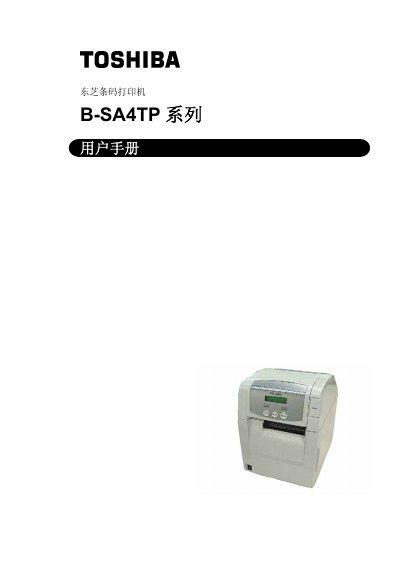
This user manual covers all aspects of the Toshiba B‑SA4TP barcode printer, including safety precautions, proper handling, and required maintenance to ensure reliable operation. It also details the required accessories, dimensions, and recommended consumables.
Installation instructions guide you through connecting power, loading media and ribbons, configuring network settings, and installing drivers. Operational sections describe parameter settings, printing modes, and troubleshooting tips, while the specifications chapter lists performance data such as resolution, speed, and supported interfaces. This manual is written in Chinese.
| Print resolution | 300 dpi (11.8 dots/mm) |
|---|
Disconnect the power plug, avoid using wet hands, and do not open the chassis without authorization to prevent fire or electric shock.
Enter the operation environment menu, select the IP address setting (TCP/IP) and choose the desired address using the PAUSE, FEED, or RESTART keys.
Only printing paper and carbon ribbon specified by Toshiba Tec may be used with the B‑SA4TP printer.