
Key facts
Start here
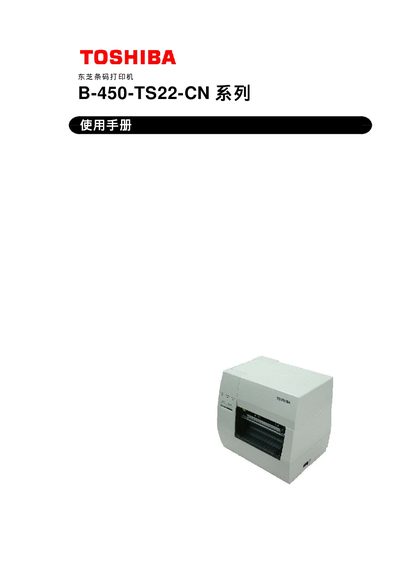
Toshiba B-450-TS22-CN Barcode Printer User Manual
This manual provides safety guidelines, installation steps, and operating instructions for the Toshiba B-450‑TS22‑CN barcode printer. It includes detailed information on loading media, configuring interfaces, and performing routine maintenance.
The document also contains technical specifications, troubleshooting procedures, and a list of optional accessories such as cutter and peel‑off modules. Users are advised to follow all warnings and to contact an authorized Toshiba TEC service agent for repairs. This manual is written in Chinese.
Toshiba B-450-TS22-CN specifications
| Print resolution | 11.8 dots/mm (300 dpi) |
|---|---|
| Maximum print speed | 101.6 mm/s (4 in/s) |
| Dimensions (W×H×D) | 270 mm × 245 mm × 200 mm (410 mm depth with paper feed unit) |
| Weight | 4.7 kg (without paper and ribbon) |
All Toshiba B-450-TS22-CN documents by type
Day-to-day operation, settings and troubleshooting. Start here if the product is already set up.
Questions answered in these manuals
How do I clear a paper jam?
Turn off the power, open the top cover, lift the print‑head lever, remove the paper and ribbon, then pull out the jammed paper. Re‑install the print head and close the cover.
How should the printer be powered off safely?
Turn the power switch to OFF, then unplug the power cord before performing any maintenance or cleaning.
How do I clean the cutter unit safely?
First disconnect the power cord, then release the cutter cover lever and clean the cutter carefully, avoiding contact with the sharp blade.