
Key facts
Start here
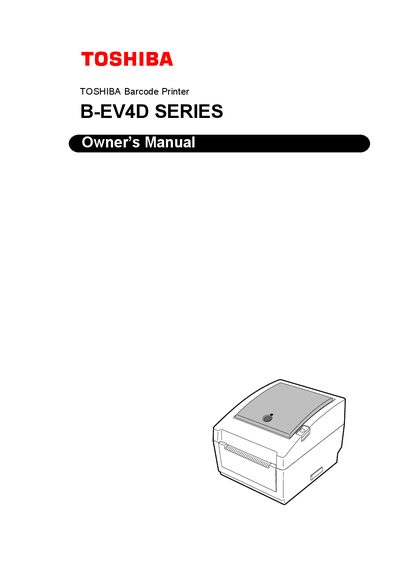
Toshiba B-EV4D Series Barcode Printer User Manual
This manual introduces the Toshiba B-EV4D Series barcode printer, covering its features, accessories, and physical dimensions. It guides users through unpacking, connecting power and data cables, loading media, and performing basic operations such as printing tests.
Safety precautions, routine maintenance, troubleshooting steps, and detailed specifications are included to help keep the printer operating reliably. The appendix lists interface options, optional modules, and a glossary of terms used throughout the document.
Toshiba B-EV4D specifications
| Print resolution (GS14 model) | 8 dots/mm (203 dpi) |
|---|---|
| Print resolution (TS14 model) | 11.8 dots/mm (300 dpi) |
| Required AC adapter model | EA10953 |
| Power cord rating (100‑125 V) | 125 V, 10 A |
| Power cord rating (200‑240 V) | 250 V, 10 A |
All Toshiba B-EV4D documents by type
Day-to-day operation, settings and troubleshooting. Start here if the product is already set up.
Questions answered in these manuals
What AC adapter must be used with the B‑EV4D Series printer?
The printer must be powered by the EA10953 AC adapter, which is the only compatible adapter for the B‑EV4D Series.
Which interface options are available on the printer?
The printer provides parallel, serial, USB, and Ethernet interfaces as standard.
What power adapter must be used with the B‑EV4D series printer?
The printer requires the dedicated EA10953 AC power adapter.
Which media types are compatible with the printer?
Only media approved by Toshiba Tec should be used; unapproved media are not covered by the warranty.