
Key facts
Start here
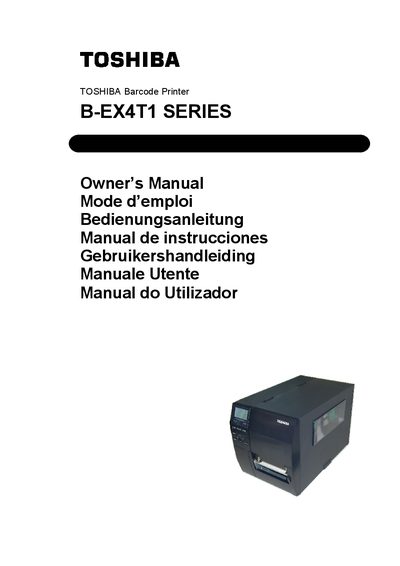
Toshiba B-EX4T1 Series Barcode Printer User Manual
User Manual 124 pages · 3.7 MB · EN
This manual introduces the Toshiba B-EX4T1 Series barcode printer, covering product overview, dimensions, and accessories. It includes safety summaries, handling precautions, and recommended maintenance procedures to ensure reliable operation.
The guide details installation steps, power connection, loading of media and ribbons, printer settings, LAN/WLAN configuration, and driver installation for various Windows versions. Glossary entries explain technical terms such as print speed, resolution, and RFID modules.
Toshiba B-EX4T1 specifications
| Dimensions (W × D × H) | 278 mm x 460 mm x 310 mm |
|---|---|
| Weight | 17 kg |
| Operating Temperature | 5°C to 40°C |
| Relative Humidity | 25% to 85% RH |
| Power Consumption (printing) | 117 W, 0.59 A |
| Resolution | 8 dots/mm (203 dpi) / 12 dots/mm (305 dpi) |
| Print Speed (3 in/s mode) | 76.2 mm/s (3 in/s) |
| Media Width (including backing) | 25.0 mm to 120 mm |
| Maximum Printable Width | 104.0 mm |
All Toshiba B-EX4T1 documents by type
User Manual 2
Day-to-day operation, settings and troubleshooting. Start here if the product is already set up.
Questions answered in these manuals
How much power does the printer use while printing?
During printing the printer consumes about 117 W at 0.59 A.