
Key facts
Start here
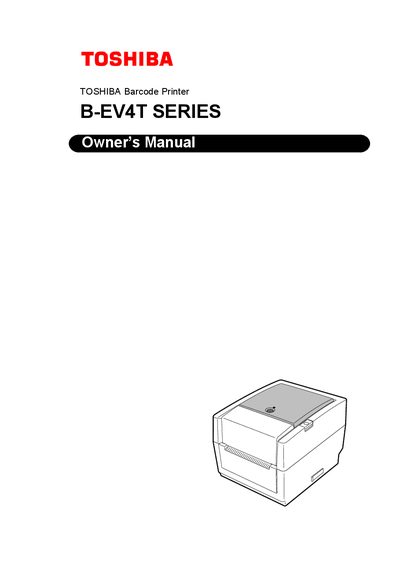
Toshiba B-EV4T Series User Manual
This manual covers the Toshiba B-EV4T Series barcode printer, including an overview of the product, safety symbols, unpacking, accessories, and detailed setup steps such as connecting cables, loading media, and configuring the printer. It also explains routine maintenance, troubleshooting procedures, and includes a glossary of terms.
Additional sections provide specifications for print resolution, speed, and required power adapter, as well as regulatory compliance information for EU, FCC, and Canadian markets.
Toshiba B-EV4T specifications
| Required power adapter | EA10953 AC adapter |
|---|---|
| Power input voltage (100‑125 V) | 125 V, 10 A (minimum) |
| Power input voltage (200‑240 V) | 250 V, 2.5 A (minimum) |
| Interface connector for power cable | ICE-320-C6 |
Source: TOSHIBA Article Code PrinterB-EV4T series user manual
All Toshiba B-EV4T documents by type
Day-to-day operation, settings and troubleshooting. Start here if the product is already set up.
Questions answered in these manuals
What power adapter must be used with the B‑EV4T printer?
The printer requires the dedicated EA10953 AC adapter; using any other voltage or adapter is prohibited.
What safety steps should be taken before servicing the printer?
Always turn off the printer, unplug the power cord, avoid wet hands, and do not open the chassis unless authorized.