
Key facts
Start here
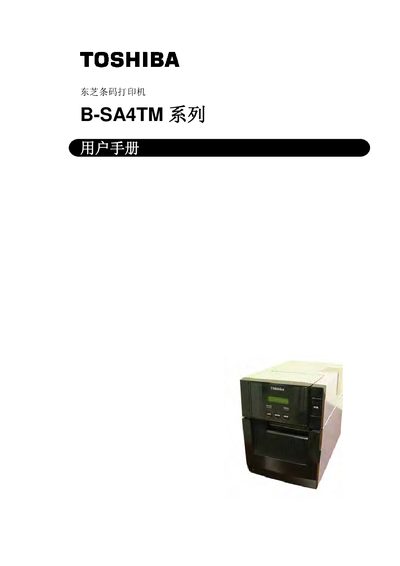
Toshiba B-SA4TM Barcode Printer User Manual
This manual covers the complete lifecycle of the Toshiba B‑SA4TM barcode printer, including product overview, installation, network configuration, and detailed operation of printing functions. Safety symbols, warnings and proper handling of power are explained to prevent injury or equipment damage.
Maintenance recommendations, troubleshooting tips, specifications, consumable information and a full index are provided so users and service technicians can keep the printer running reliably in industrial environments. This manual is written in Chinese.
Toshiba B-SA4TM specifications
| Print resolution | 300 dpi (11.8 dots/mm) |
|---|---|
| Print speed | up to 152.4 mm/s (6 in/s) |
| Media and ribbon | Only Toshiba‑specified printing paper and ribbon |
All Toshiba B-SA4TM documents by type
Day-to-day operation, settings and troubleshooting. Start here if the product is already set up.
How to use the product for one specific task, with worked examples.
Questions answered in these manuals
Which wireless RFID modules are supported by the printer?
The printer can be equipped with TEC‑RFID‑US1 for the United States and Canada, or TEC‑RFID‑EU1 for a list of European countries.
From: Toshiba B-SA4TM Series Heat Transfer Printer User Manual
How should the printer be powered off safely?
Turn the printer off and unplug the power cord before performing any maintenance or cleaning.
How often should the printer be cleaned?
Contact an authorized Toshiba Tec service agent for an annual internal cleaning of the printer.
Which countries can the TEC‑RFID‑US1 be used in?
The TEC‑RFID‑US1 can be used in the United States and Canada.
What safety precautions should be taken before operating the printer?
Read all warnings, do not open the case, avoid using the printer in prohibited areas, and disconnect power before cleaning or maintenance.