
Key facts
Start here
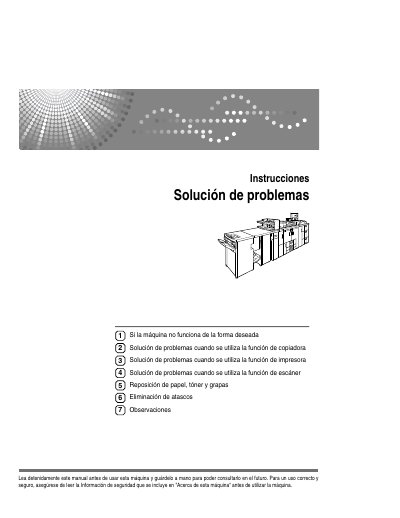
Ricoh bizhub C360/C450/C550/C650 Troubleshooting Manual
This document serves as a troubleshooting manual for the Ricoh bizhub C360, C450, C550, and C650 series. It provides detailed guidance on resolving issues when using the machine's copier, printer, and scanner functions, as well as instructions for replacing consumables like paper, toner, and staples. The guide also covers procedures for removing paper jams and staples from the Finisher and booklet maker. This manual is written in Spanish.
Read onlineRicoh C550 specifications
| Main Controller Processor | Intel Atom Processor Apollo Lake (E3930) |
|---|---|
| Main Controller OS | LPUX 6.0 OS based on NetBSD |
| Operation Unit Processor | ARM Cortex-A9 Quad Core processor |
| Operation Unit OS | customized Linux 3.18 OS |
| Firmware Version | JE-1.20-H |
| Job Log Capacity | 4000 records |
| Access Log Capacity | 12,000 records |
| Eco-Friendly Log Capacity | 4,000 records |
All Ricoh C550 documents by type
Day-to-day operation, settings and troubleshooting. Start here if the product is already set up.
Questions answered in these manuals
What is the power source requirement for this machine?
The machine requires a power source of 220-240 V, 50/60 Hz, 16 A or more.
From: Ricoh bizhub C360/C450/C550/C650 Troubleshooting Manual
What types of documents are generally prohibited from being copied?
Copying banknotes, fiscal stamps, bonds, stock certificates, interbank drafts, checks, passports, and driver's licenses is generally prohibited.
From: Ricoh bizhub C360/C450/C550/C650 Troubleshooting Manual
What is the default setting for WIM Auto Logout?
The default setting is 60 minutes.
Are administrator and supervisor passwords set by default?
No, the administrator and supervisor passwords are blank by default and must be set during initial configuration.