
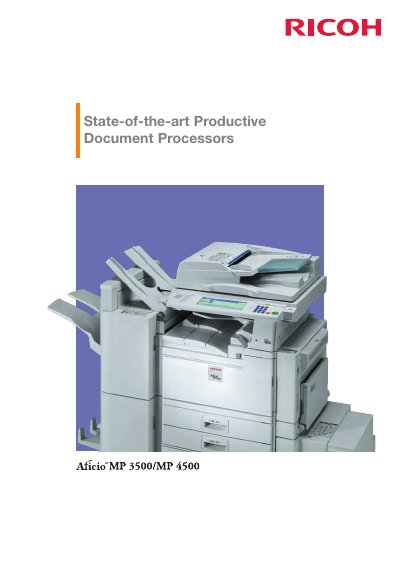
The Aficio MP 3500/MP 4500 are Ricoh multifunctional office systems for document production and management. The leaflet describes print, copy, fax and scan functions, a large LCD touch screen, and network connectivity through a standard NIB and USB interface.
It presents optional configurations such as a printer/scanner unit, fax module, finishers and extra paper trays, plus document distribution via scan to e-mail, scan to folder and scan to URL. Security and management features include Locked Print, Hold Print, Windows authentication, Data Overwrite Security and Web SmartDeviceMonitor.
| Output speed | 35/45 ppm |
|---|---|
| Maximum paper capacity | 3,550 sheets |
| Warm-up time | 15/20 seconds |
| First copy time | 4.3/3.6 seconds |
| ARDF capacity | 80 sheets |
| Maximum document size | Up to A3 |
| Scan to folder file size | Up to 2 GB |
| Standard interface | NIB and USB |
| Optional connectivity | Bluetooth, Wireless LAN and bi-directional IEEE 1284 |
Top output speeds are 35/45 ppm, and output speeds of 35/45 pages per minute equal duplex speeds.
The maximum paper capacity is 3,550 sheets.
A 2,500-sheet multi-tray finisher (SR880) is available.
A NIB and USB interface come standard embedded in the printer controller board.