
Key facts
- Brand
- Philips
- Model
- MCD129
- Documents
- 3
- Languages
- EN · ZH
- Last added
- 2012-03-06
Start here
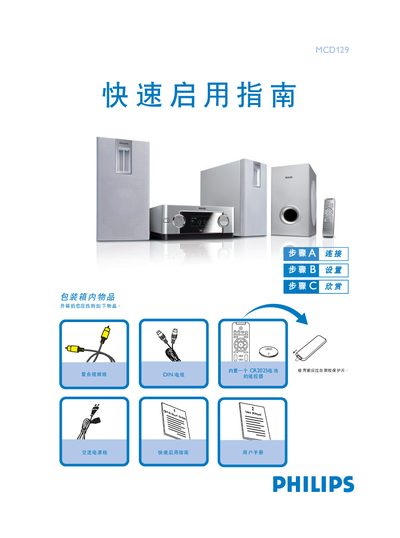
Philips MCD129 DVD Player Quick Start Guide
The guide begins with an unboxing checklist and explains how to connect the included AC power cord, DIN audio cable, and composite video cable to the DVD player, speakers, and TV. It also details the speaker wiring, showing how the right speaker and subwoofer wires are linked to the left speaker and how the DIN cable links the left speaker to the player.
Further sections describe how to configure the TV’s progressive‑scan mode, adjust DVD menu options, and perform basic operations such as opening the disc tray, inserting a disc, and starting playback. Tips for disabling progressive scan and using the remote control are also provided. This manual is written in Chinese.
All Philips MCD129 documents by type
Day-to-day operation, settings and troubleshooting. Start here if the product is already set up.
The shortest path to a working setup, usually only a few pages.
Questions answered in these manuals
How do I connect the speakers?
Connect the right speaker and subwoofer wires to the left speaker, then use the supplied DIN cable to connect the left speaker to the DVD player.
How can I turn off progressive scan?
In the system‑setup menu select the PROGRESSIVE option and choose OFF, or change the TV’s scan mode to interlaced.
How should the speakers be positioned for optimal sound?
Place the left and right speakers at equal distance from the TV and at about a 45‑degree angle from the listening position.