
Key facts
- Brand
- Philips
- Model
- JR24CDRW
- Industry
- Electronics
- Documents
- 2
- Languages
- EN
- Last added
- 2012-03-24
Start here
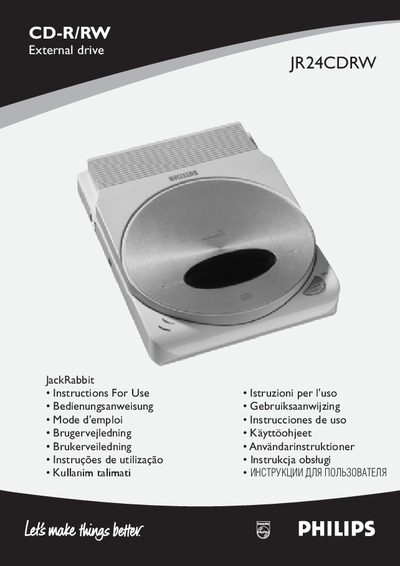
Philips JR24CDRW CD-R/RW External Drive User Manual
This manual explains how to install and operate the Philips JR24CDRW external CD‑R/RW drive. It covers safety warnings, power‑up behavior, transport‑protection removal, and the meaning of the green, blue and red LEDs. The device has no power switch and powers on automatically when both the power adapter and a computer are connected.
Special functions are described, including the emergency eject hole, playback mode (press OPEN for ~2 seconds), immediate recording interruption (press OPEN >4 seconds), the Blue Button that opens a web‑based application window, and USB 2.0 high‑speed operation up to 24×12×40. The guide also details how to safely remove a disc and how to deactivate the drive completely.
All Philips JR24CDRW documents by type
Day-to-day operation, settings and troubleshooting. Start here if the product is already set up.
Questions answered in these manuals
How do I open the drive?
Press the OPEN button; the lid opens only when the USB cable is connected and the power supply is on.
What does the red LED indicate?
The red LED lights while a recording is in progress.
What does the red LED indicate?
The red LED lights when a recording is in progress.
How do I use the emergency eject hole?
Disconnect the power supply, insert a short slender pin into the hole at the bottom of the drive, and pull the stud forward to release the lid.