
This manual describes how to use the JackRabbit USB external DVD recorder
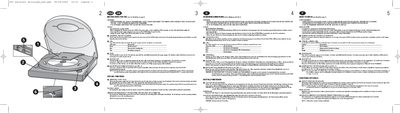
This guide explains how to install and operate the Philips JR24CDRW external CD‑R/RW drive. It covers power connection, USB 2.0 interface, transport‑protection insert, LED indicators, and the functions of the OPEN and BLUE buttons.
Safety warnings are listed first, followed by detailed steps for using the emergency eject hole, playback mode, and immediate interruption of recording. Multilingual notes are included, but the core instructions are in English.
Press the OPEN button; the lid opens only when the USB cable is connected and the power supply is on.
The red LED lights while a recording is in progress.