
Key facts
- Brand
- Philips
- Model
- 32PFL5403
- Category
- Television
- Industry
- Appliances
- Documents
- 6
- Languages
- ZH · EN
- Last added
- 2012-03-26
Start here
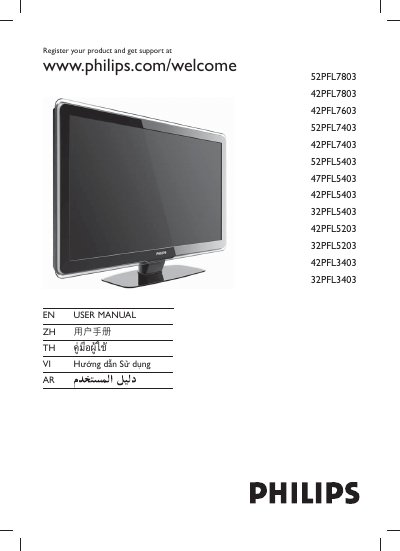
PHILIPS 52PFL7803 42PFL7803 42PFL7603 52PFL7403 42PFL7403 52PFL5403 47PFL5403 42PFL5403 32PFL5403 42PFL5203 32PFL5203 42PFL3403 32PFL3403 user manual
This manual covers the registration process, safety information, and basic operation of Philips televisions. It provides step‑by‑step guidance for powering the TV, selecting channels, navigating menus, adjusting volume, and using special features such as Sleep mode and Ambilight.
Additional sections describe remote‑control functions, VESA mounting standards, warranty information, and how to obtain support through the Philips website. This manual is written in Chinese.
Philips 32PFL5403 specifications
| Resolution | 1366 × 768 pixels |
|---|---|
| HDMI inputs | 3 |
| Power consumption | 150 W |
| Dimensions (W × H × D) | 819 × 579 × 225 mm |
| Weight (including packaging) | 16.8 kg |
| Audio output | Mono, Stereo |
| Input voltage | 100‑240 V |
All Philips 32PFL5403 documents by type
Day-to-day operation, settings and troubleshooting. Start here if the product is already set up.
- PHILIPS 32PFL5403 Television user guide
- PHILIPS 52PFL7803 42PFL7803 42PFL7603 52PFL7403 42PFL7403 52PFL5403 47PFL5403 42PFL5403 32PFL5403 42PFL5203 32PFL5203 42PFL3403 32PFL3403 user manual 46 p
- Philips 32PFL5403 Television User Manual 2 p
- Philips 32PFL5403 LCD TV User Manual 31 p
- Philips 32PFL5403 TV User Manual 31 p
- Philips 32PFL5403 TV User Manual 29 p
Questions answered in these manuals
How can I register my Philips TV?
Visit www.philips.com/welcome and follow the registration instructions.
Which buttons adjust the volume?
Use the VOLUME +/- buttons on the remote control.
What is the screen resolution of the Philips 32PFL5403 TV?
The TV has a resolution of 1366 × 768 pixels.
How many HDMI inputs does the TV provide?
It provides three HDMI inputs.
How do I register my Philips TV?
Visit www.philips.com/welcome and follow the registration steps for your product.
What does the environmental logo on the TV indicate?
It indicates a 10‑year period during which hazardous substances will not leak or cause pollution.